
Personal Settings
Manage your AI Router account — view available models, link accounts, secure your credentials, and configure notifications, pricing acceptance, and IP logging.
The Personal Settings page is where you manage your AI Router account: review the models you can call, link sign-in methods, secure your password and API keys, and tune a few per-account preferences.
AI Router is an OpenAI-compatible gateway (a fork of the open-source Router-new-api). The settings below apply to your account on whichever AI Router deployment you signed in to.
View Available Models
This section lists every model your current account is allowed to call. Click a model name to copy it, then use that exact string as the model field in your API requests.
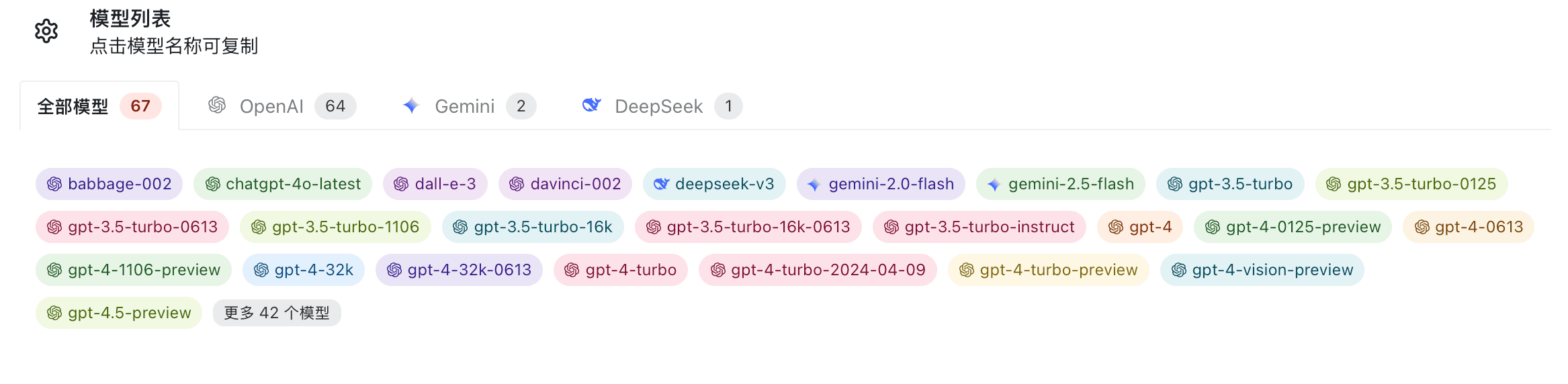
You call these models against the OpenAI-compatible endpoint of your deployment, for example:
curl https://ai.sammier.com/v1/chat/completions \
  -H "Authorization: Bearer $CODE_ROUTER_API_KEY" \
  -H "Content-Type: application/json" \
  -d '{
    "model": "<copied-model-name>",
    "messages": [{"role": "user", "content": "Hello"}]
  }'
The set of models you see depends on the model groups and token groups assigned to your account. If a model you expect is missing, contact your deployment's administrator. (Default model availability is configured per deployment — TBD.)
Account Binding
Here you can link additional sign-in methods to your account. Binding more than one method gives you a fallback way to sign in and can be required by some deployments before certain actions are allowed.
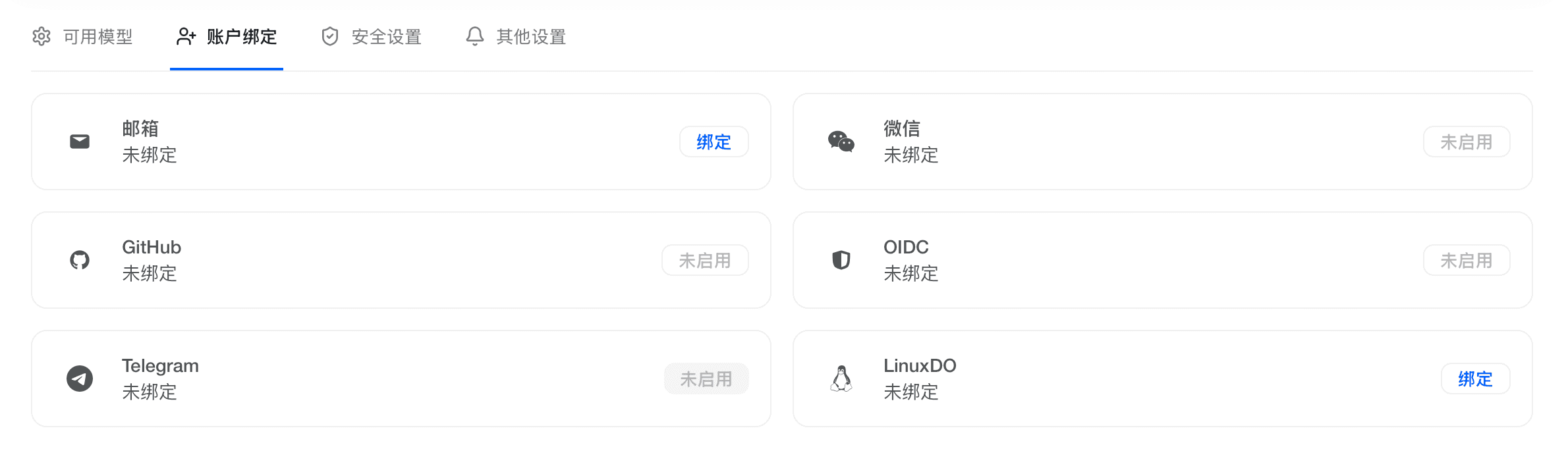
The exact set of available bindings (e.g. email, OAuth providers) is configured per deployment — available options are TBD for this demo.
Security Settings
Here you can change your password and reset your API key, among other security-related actions.
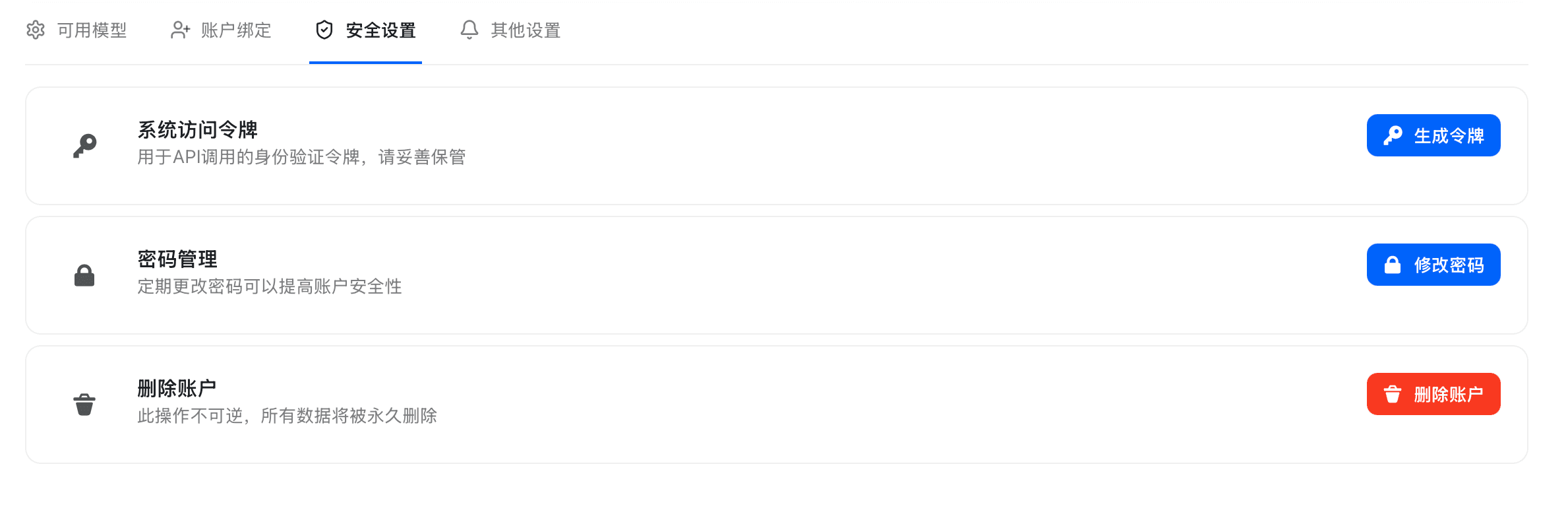
Resetting your API key invalidates the previous key immediately. Any application still using the old key will start receiving authentication errors until you update it with the new key. Treat your API key like a password and never commit it to source control.
A common, safe way to use your key in code is to read it from an environment variable rather than hard-coding it:
export CODE_ROUTER_API_KEY="sk-..."
export CODE_ROUTER_BASE_URL="https://ai.sammier.com/v1"
Other Settings
Notification Settings
Configure how you receive notifications from the platform — for example quota or balance alerts. Email and Webhook delivery are supported.
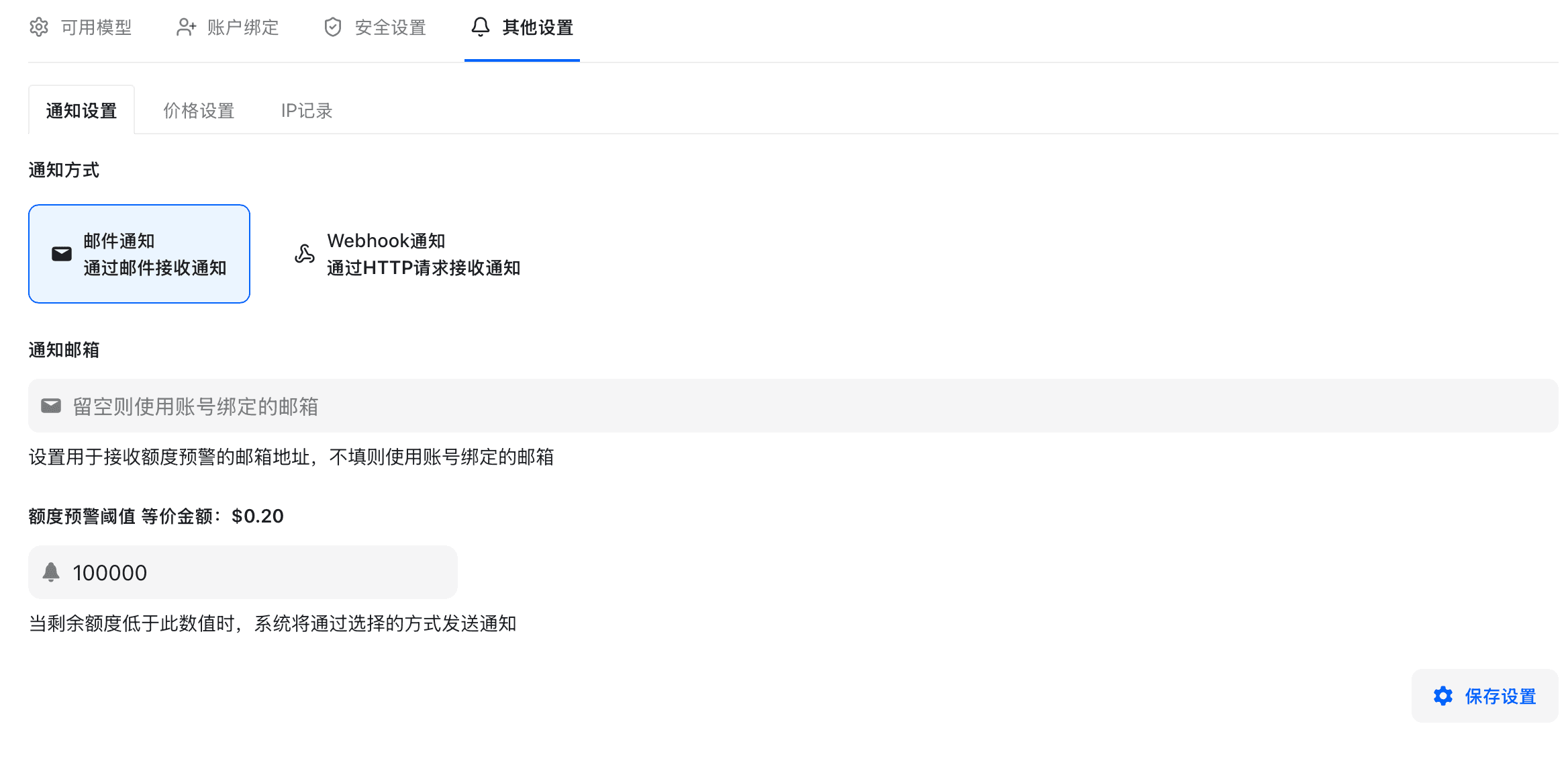
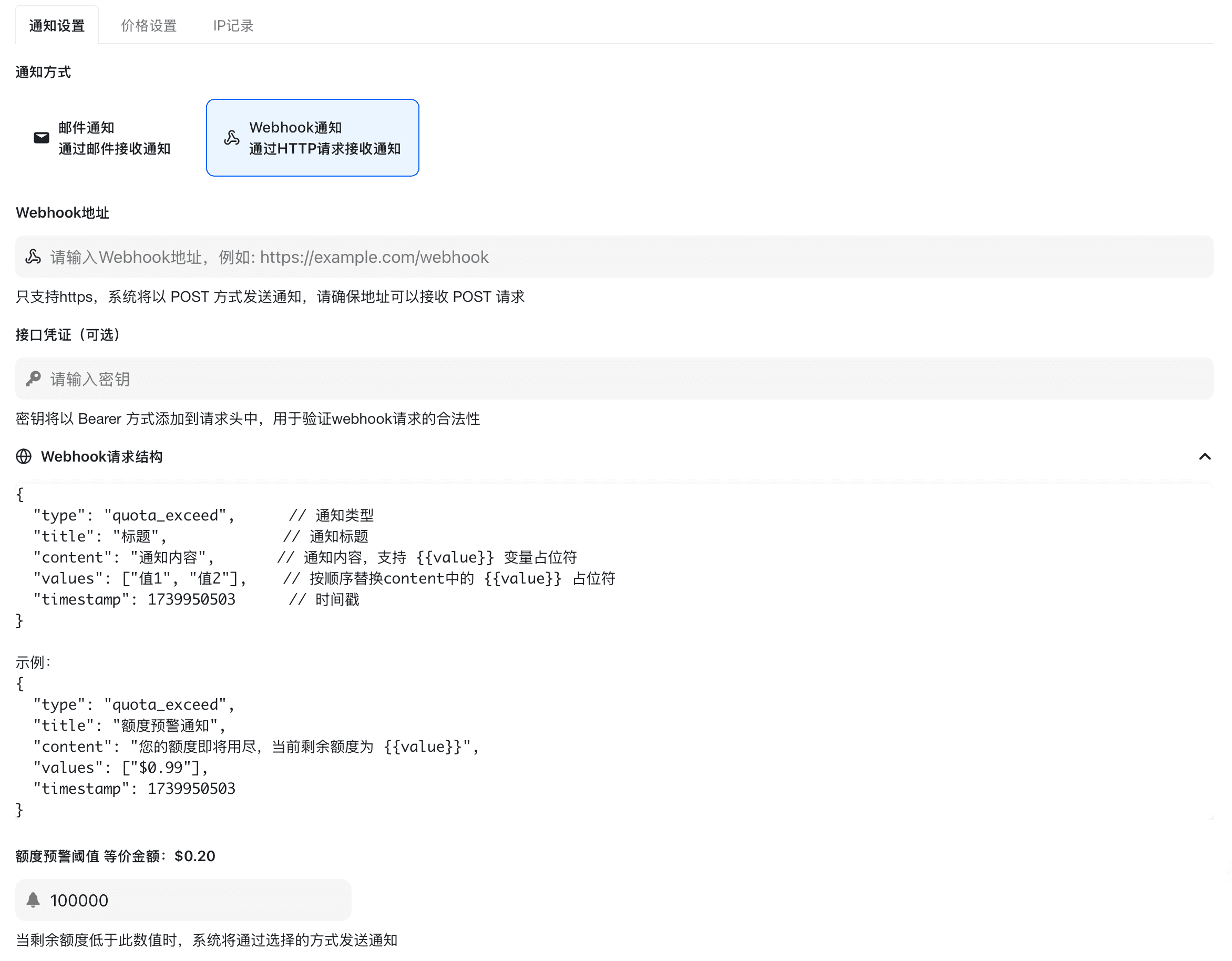
For Webhook delivery, provide an HTTPS URL that can receive POST requests. Your endpoint should respond quickly with a 2xx status; treat the payload as untrusted and validate it before acting on it.
Price Settings
Here you choose whether your account will accept requests for models that do not have a configured price.
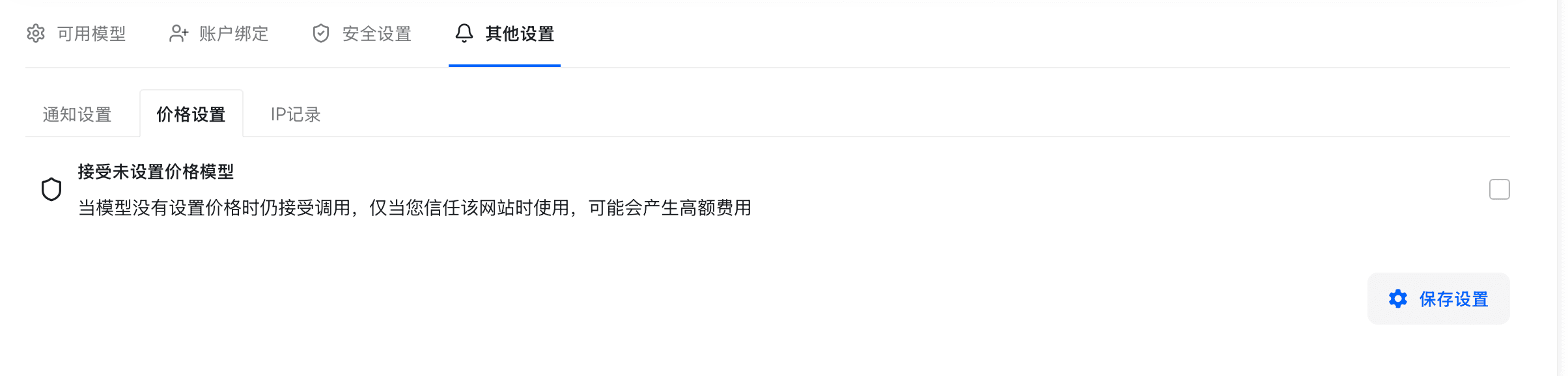
Leaving this enabled means you may be charged for a model whose price was not known in advance. If you want to avoid unexpected charges, disable it so requests to unpriced models are rejected. (Actual model prices are configured per deployment — pricing TBD for this demo.)
IP Logging
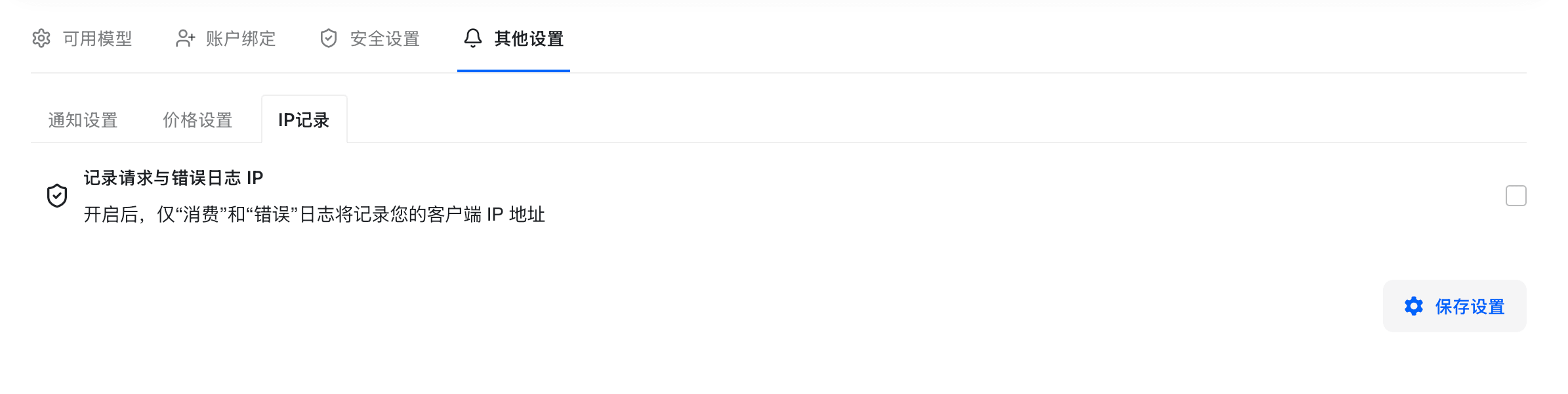
Enable this to record the client IP address alongside your request logs. When enabled, IP addresses appear in the log views, which helps with auditing and debugging access issues.
Need help or found a problem? Open an issue on the source repository: github.com/ssgzy/Router-new-api. (Other support channels are TBD.)
How is this guide?
Last updated on